


Новое поступление

Милая Флешка для медсестры 4 ГБ 8 16 32 64 USB 2 0 флеш-накопитель мультяшная флешка

Новый стиль металлический USB флеш-накопитель 64 ГБ 32 16 8 4 Гб флешка флэш-накопитель
332,45 - 1 200,32 руб.

Высокоскоростной/качественный флеш-накопитель nuiflash 128 ГБ 64 usb 32 16 8 4 Гб флешка
1 217,75 - 2 979,63 руб.

Usb-флеш-накопитель для компьютера 4-32 Гб usb 2 0 | Компьютеры и офис

Usb флеш-накопитель Fresco U disco mini memoria USB 2 0 4 ГБ 8 16 32 64 Гб moto coche dibujos animados pendrive c |

Cat claw usb3.0 disk cartoon animal cute creative fashion usb corporate gift white/brown/black/pink/blue footprint memory | Компьютеры и

100PCS/LOT Custom Logo Flash Pen Drive 1GB - 32GB Engraved Printed Name Thumb Memory Stick Jump for Computer Macbook Black | Компьютеры и
35 434,31 - 54 259,64 руб. / lot
Характеристики
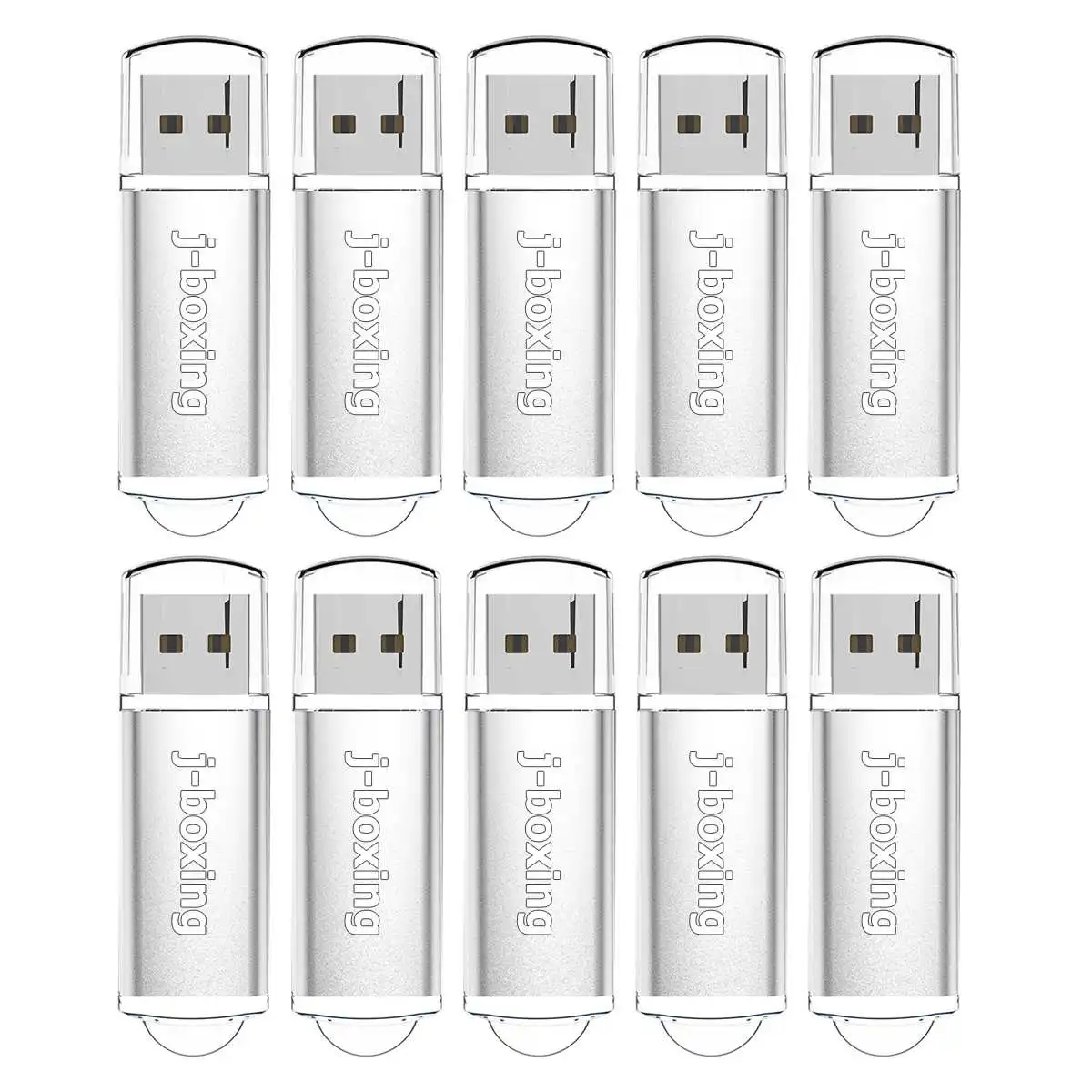
J-boxing 10PCS 64MB USB Flash Drive Bulk 128MB 256MB 512MB Small Cacapity Thumb Drives Zip Jump drive Memory Stick Silver | Компьютеры и
История изменения цены
*Текущая стоимость 2 003,44 - 2 526,40 / lot уже могла изменится. Что бы узнать актуальную цену и проверить наличие товара, нажмите "Добавить в корзину"
| Месяц | Минимальная цена | Макс. стоимость | Цена |
|---|---|---|---|
| Mar-03-2026 | 2544.80 руб. | 2595.96 руб. | 2569.5 руб. |
| Feb-03-2026 | 2063.34 руб. | 2104.97 руб. | 2083.5 руб. |
| Jan-03-2026 | 2504.19 руб. | 2554.0 руб. | 2529 руб. |
| Dec-03-2025 | 2484.77 руб. | 2534.64 руб. | 2509 руб. |
| Nov-03-2025 | 1983.39 руб. | 2023.77 руб. | 2003 руб. |
| Oct-03-2025 | 2444.84 руб. | 2493.31 руб. | 2468.5 руб. |
| Sep-03-2025 | 2424.28 руб. | 2472.25 руб. | 2448 руб. |
| Aug-03-2025 | 2404.30 руб. | 2452.84 руб. | 2428 руб. |
Описание товара
About Custom Logo:
1. Minimum Order Quantity: More than 50pcs
2. Please contact us to send your logo picture,We will make an effective picture for you.
3. Logo by laser engraving or silk-print, Multicolor logo is available,too.

For Every Valued Customers,
1. Is the usb flash drive real capacity?
Yes,Our usb flash drive is the real capacity,you can use the H2test to test it.
H2test is the most authoritative testing software in the world,we can free provide to you.
2. What is the write speed?
Our USB flash drive write speed is 5M/S-10M/S or above.
The speed is affected by the performance of your computer,So different computer has different speed,
If you want to copy files more than 4GB,Pls transfer the usb drive from FAT32 to NTFS format,Thanks.

Features:
Brand Name:J-boxing
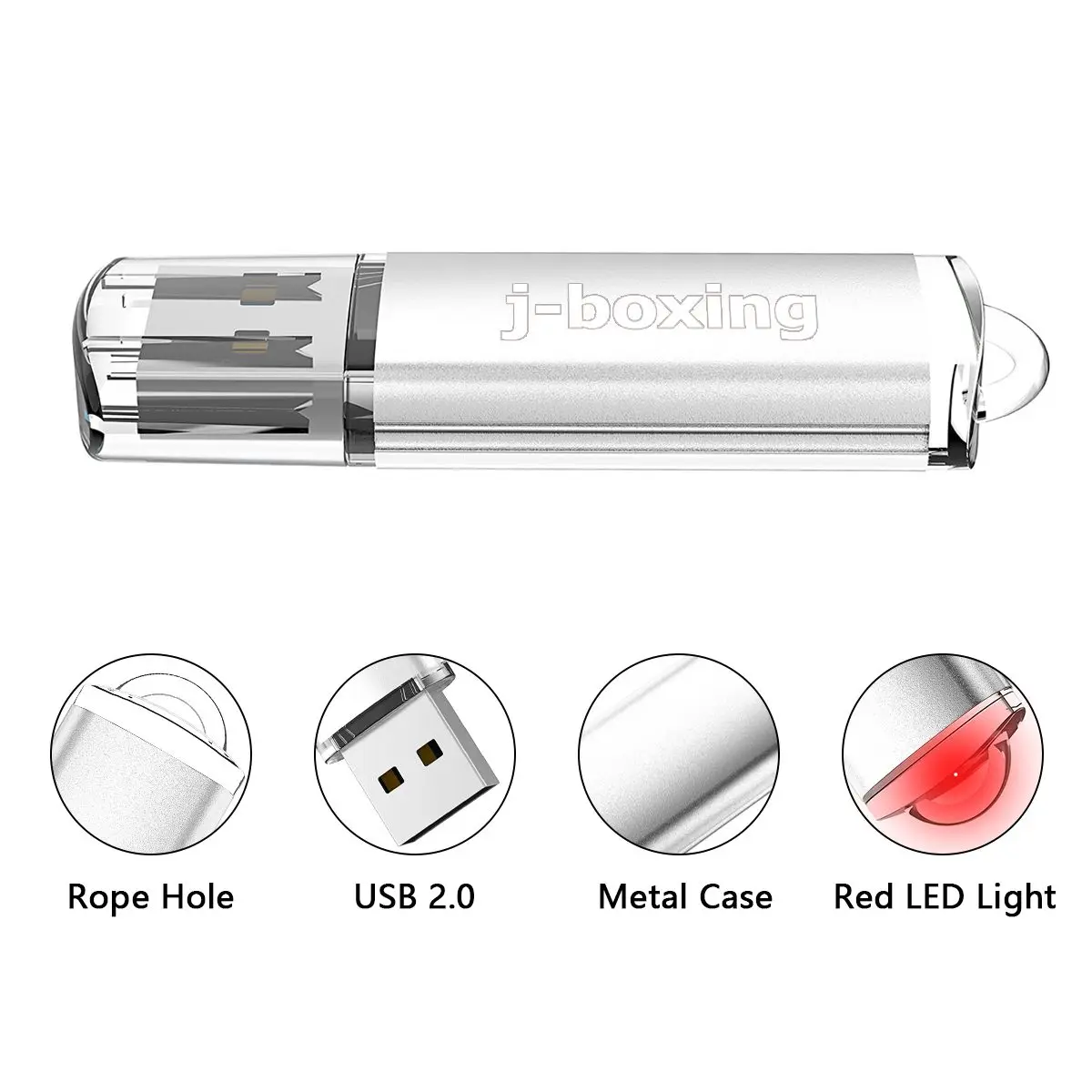
Material:Metal+Plastic
Storage Capacity: 64MB/128MB/256MB/512MB
Support USB version 2.0 and 1.0
Easy plug and play installation
Interface: USB 2.0;
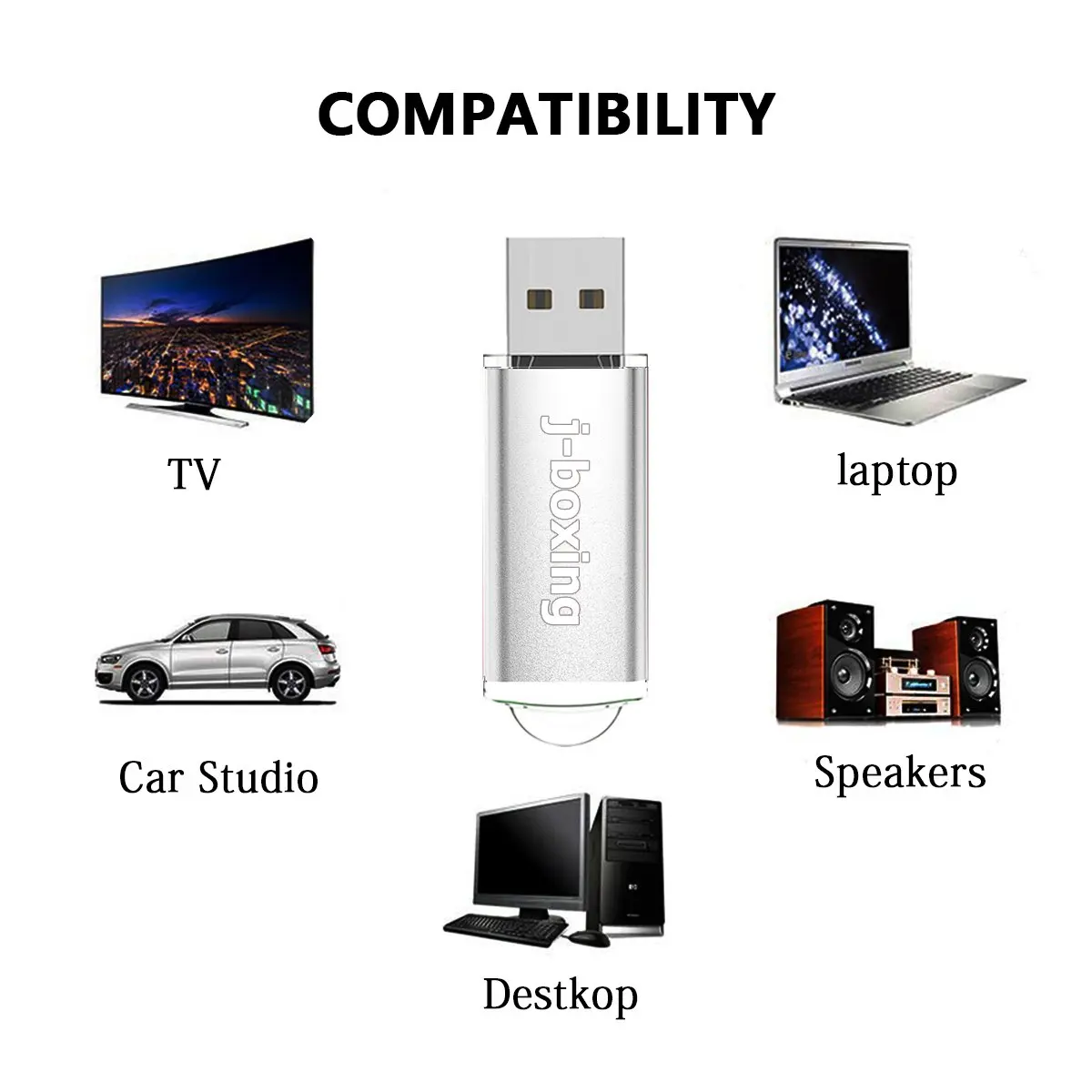
Hardware Requirement: PC with USB connection,Notebook,MAC
Compatible with Windows 98/Windows 7/Windows 8, Windows 10,Windows XP, Windows Vista, Mac OS 9.X/Linux2.4 or above.
Hi-Speed USB 2.0 port required for high speed transfer.
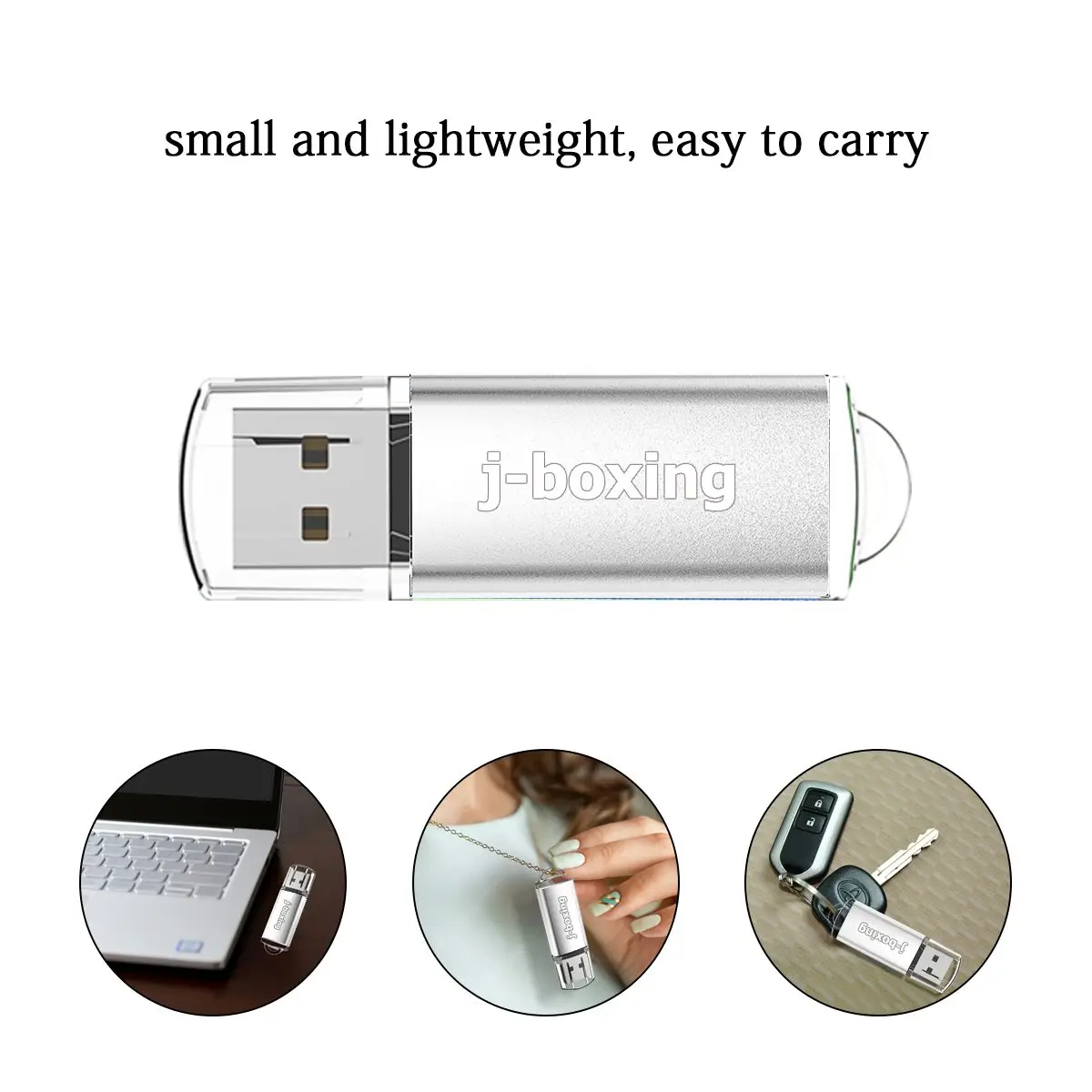
Stylish lightweight; portable,new concept modeling,classic fashion,compact Brisk
The data read speed: 10M-20M/S(USB2.0)
The data write speed: 5M-10M/S(USB2.0)
Storage Lifetime: More than 10 years
Solid State Storage, Shock proof and electromagnetic proof.
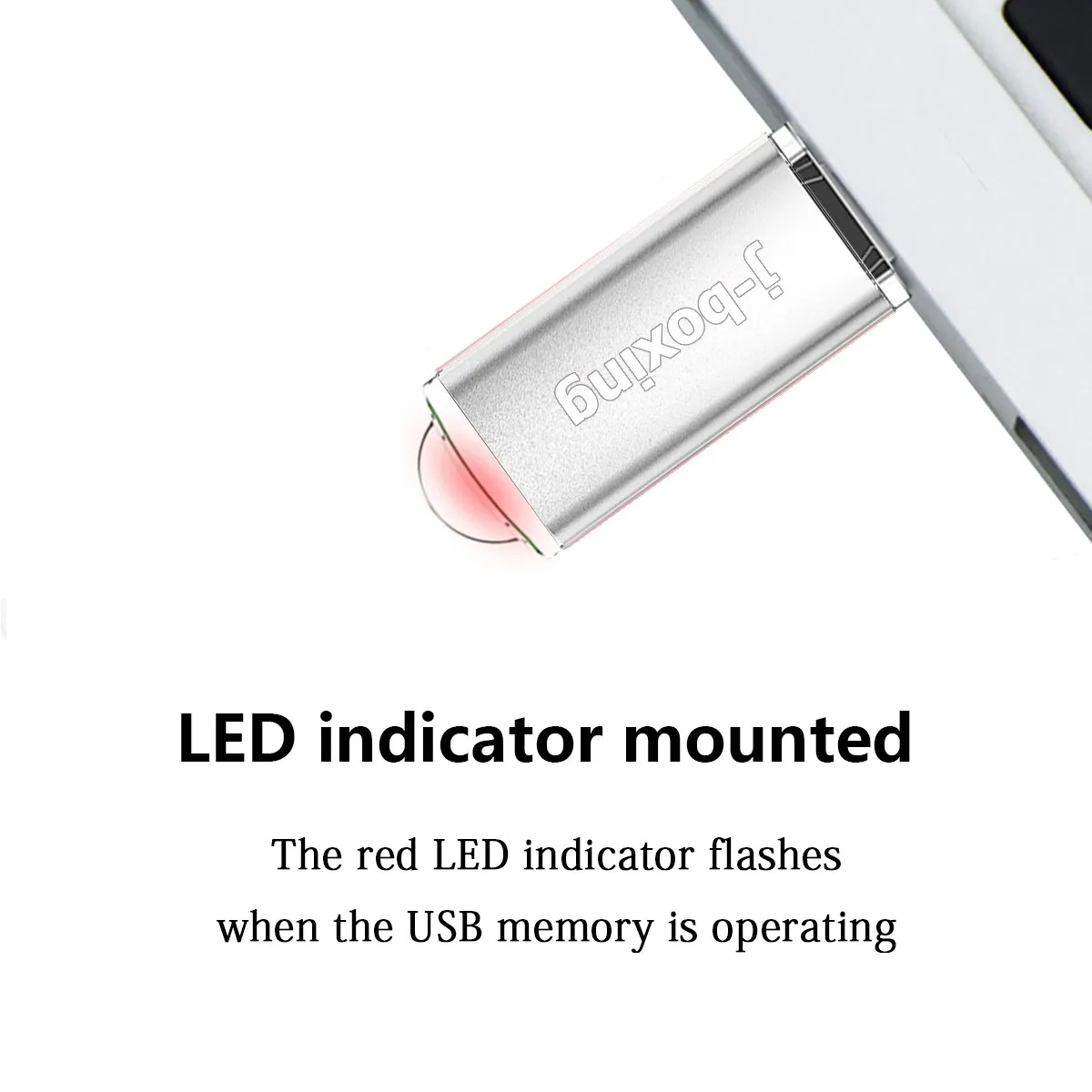
LED Indicator,No external power is required 4.5V ~ 5.5V from USB port
Operating Temp: -10 to +55Deg.C
Storage Temp: -20 to +55Deg.C
Color: Silver
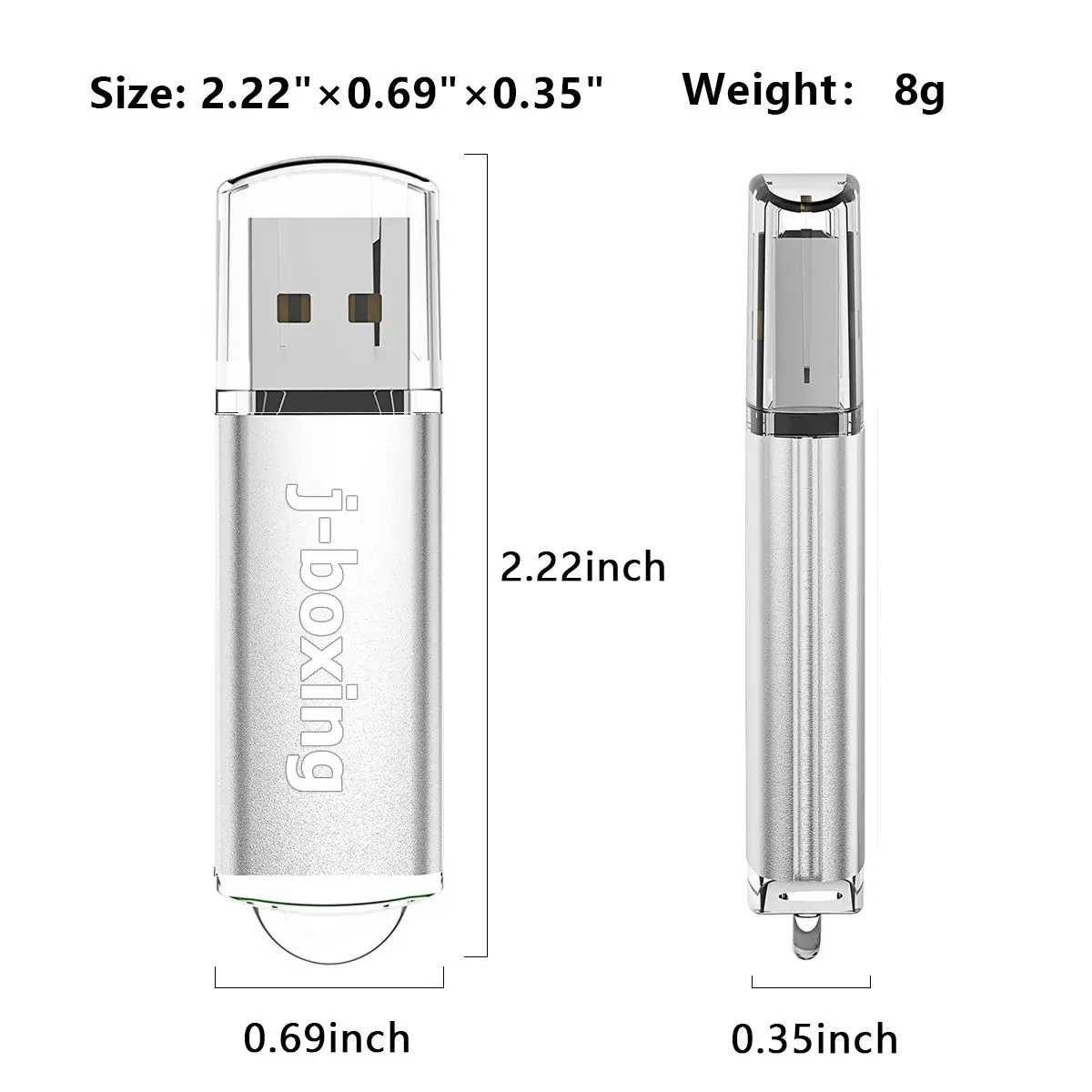
Size:About 5.58x2.28x0.38cm/2.20x0.90x0.15inch
Net Weight:10g
Package Included:
10PCS/LOT x Rectangle USB 2.0 Flash Drive
About capacity display in the computer :
4GB=approximately 3.6GB-3.8GB
8GB=approximately 7.4GB-7.6GB
16GB=approximately 14.4GB-14.8GB
32GB=approximately 28.8GB-30GB
64GB=approximately 58GB-60GB
128GB=approximately 119GB-122GB
The display capacity and nominal capacity are different because the calculation methods are different. Manufacturer standard: 1GB=1,000MB. Operation system standard: 1GB=1,024MB.
Tips:
1 Don't operate the files in the USB flash directly. It would better first copy the files to computer to operate and then copy back to USB flash after operation.
2 To extend USB flash's life span, it would better to plug the USB flash drive down after operation asap.
3. Before removing the USB, please delete the symbol on the bottom right of the PC screen to avoid missing files in the dish.
4.Please do not format the USB frequently for it may damage the USB flash.
5.To avoid data loss or mechanical damage, do not power down your computer or unplug flash disk during transfer.


Смотрите так же другие товары: