
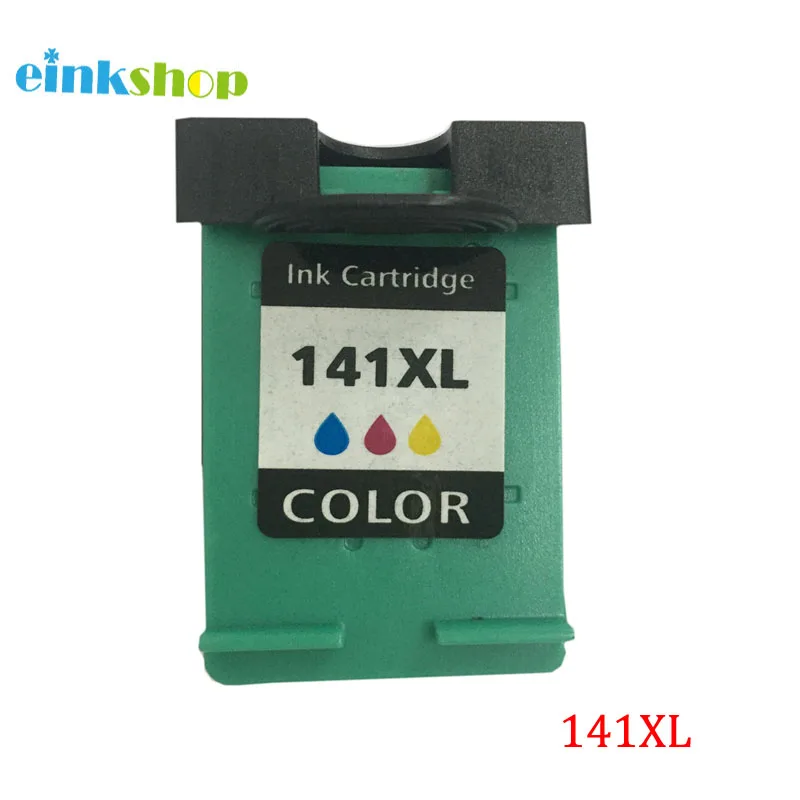
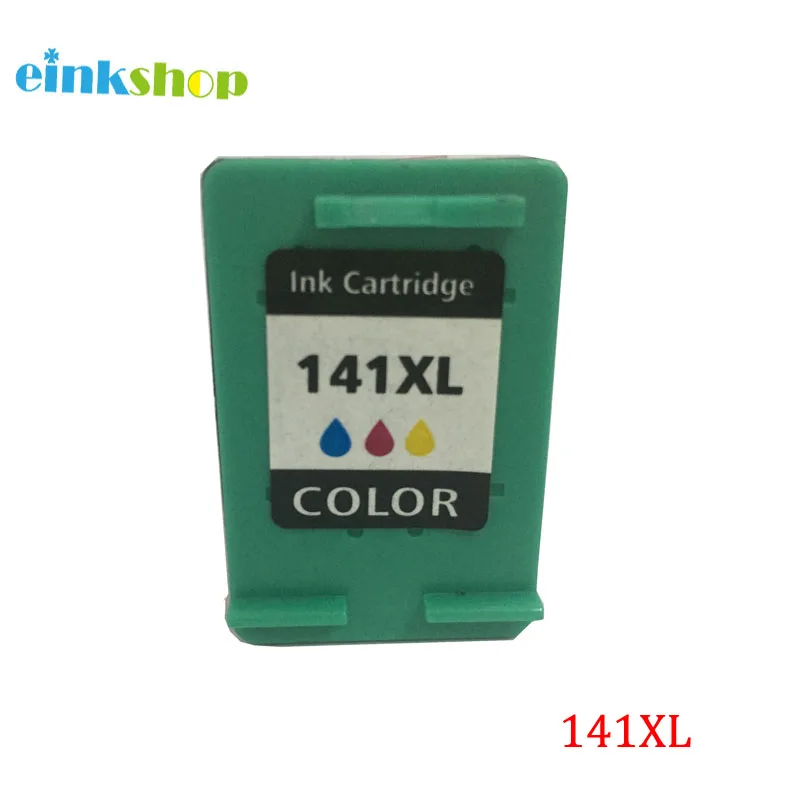
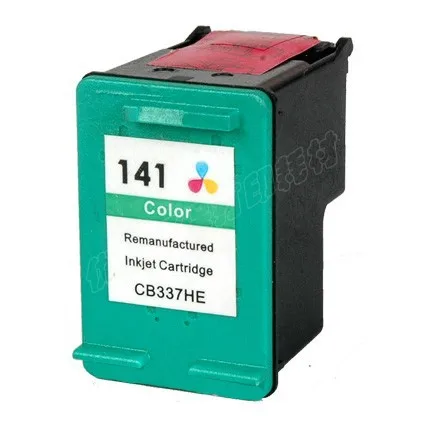
Ветеран 336 342 картридж для hp чернила принтеров серий Deskjet 5440 5420 PSC1510 1500 Photosmart 2573 2575
1 033,39 руб.

Новое поступление

Магазина Printer Consumable Supplies Store работает с 28.05.2010. его рейтинг составлет 82.19 баллов из 100. В избранное добавили 995 покупателя. Средний рейтинг торваров продавца 4.3 в продаже представленно 1462 наименований товаров, успешно доставлено 11229 заказов. 657 покупателей оставили отзывы о продавце.
Характеристики
*Текущая стоимость 967,38 уже могла изменится. Что бы узнать актуальную цену и проверить наличие товара, нажмите "Добавить в корзину"
| Месяц | Минимальная цена | Макс. стоимость | Цена |
|---|---|---|---|
| Mar-05-2026 | 1228.58 руб. | 1253.15 руб. | 1240.5 руб. |
| Feb-05-2026 | 996.26 руб. | 1016.89 руб. | 1006 руб. |
| Jan-05-2026 | 1209.93 руб. | 1233.38 руб. | 1221 руб. |
| Dec-05-2025 | 1199.5 руб. | 1223.96 руб. | 1211 руб. |
| Nov-05-2025 | 957.72 руб. | 976.19 руб. | 966.5 руб. |
| Oct-05-2025 | 1180.60 руб. | 1204.90 руб. | 1192 руб. |
| Sep-05-2025 | 1170.72 руб. | 1193.42 руб. | 1181.5 руб. |
| Aug-05-2025 | 1160.91 руб. | 1183.89 руб. | 1171.5 руб. |
Описание товара
Remanufactured 141xl 141 Cartridge for Photosmart C5283 C5283 C4283 C4483 DeskJet D4263 D4363 OfficeJet J6413 J5783 Printer
1) Product type: 141 141xl Compatible ink cartridge
2) with compatible chip
3) Color: Tri-Color
4) Ink Kind: dye based ink
5) Compatible printer model : For PhotoSmart C5283 D5363 C4283 C4343 C4483 DeskJet D5363 D4263 D4363 OfficeJet J6413 J5783 printer
Package Content:
1Pcs 141 141xl Tri-Color ink cartridge


Customer Frequently asked questions
Question 1
The printer is showing "Low ink level"/ "Empty" /“Red X” / "!"(yellow Exclamation mark), what to do?
It's Normal condition for all re-manufactured ink cartridges that show such information. When you see such information, please Ignore it and Click "OK" or "Close" to continue to print.
For some printer, you can also Press and Hold on the STOP / RESET BUTTON (red inverted triangle button) for 5-10 seconds, the message window will disappear.
If this method can not solve the problem, try chip cleaning as shown in Question 2
Question 2 Printer showing "failure / damaged / error / problem...", what to do?
Step 1: Remove the ink cartridge and re-install. If issue still exist, go ahead the setp 2.
Step 2: Turn off the printer, unplug the printer, remove the ink cartridge, wait for a while,
then re-install the ink cartridge and restart the printer.If issue still exist, go ahead the setp 3.
Step 3: Chip cleaning (contact points cleaning)
Clean the ink cartridge chip with eraser, then re-install, see if it will work.(Picture 1)
Clean the ink cartridge chip with an alcohol cotton swab, after 1 minutes, then re-install, see if it will work.(Picture 2 .Picture 3)
Notice :
If all the methods above can not solve your problem, thanks contact us for solution

Question 3.Flashing yellow light, what to do?
Turn off the printer, unplug the printer, wait for a while, and then re-start the printer.
If the flashing disappear, press "OK", then you can print normally.
If still flashing, Press and Hold on the STOP / RESET BUTTON (red inverted triangle button) for at least 5 seconds, then release. Repeat 2-3 times until the falshing disappear. Then wait 10-15 seconds, It will be fine.
If your printer hasn't "stop/reset button", you can try to ignore the flashing and press "OK" to continue to print, see if it will work.
If this method can not solve the problem, try chip cleaning as shown in Question 2


Смотрите так же другие товары:


