Shop1167044 Store
Магазина Shop1167044 Store работает с 06.03.2014. его рейтинг составлет 87.76 баллов из 100.
В избранное добавили 99508 покупателя.
Средний рейтинг торваров продавца 4.5 в продаже представленно 0 наименований товаров, успешно доставлено 23571 заказов. 3381 покупателей оставили отзывы о продавце.
Характеристики
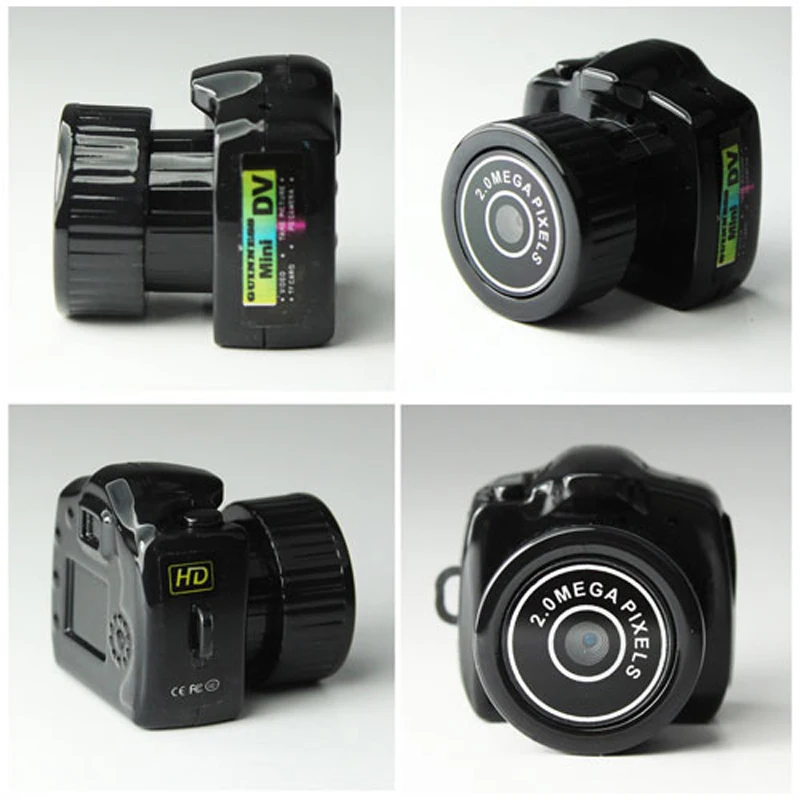
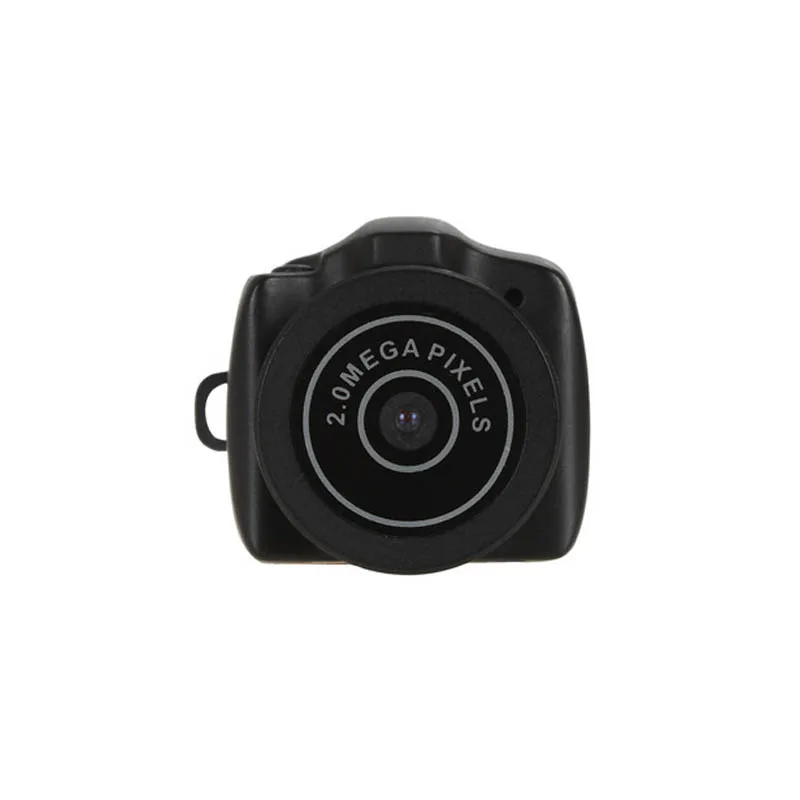
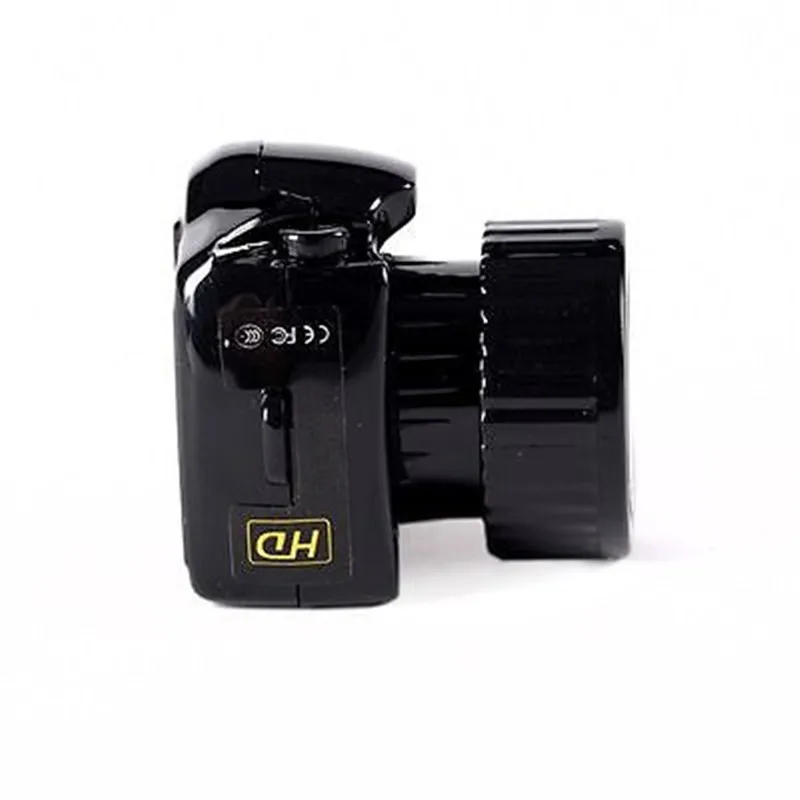
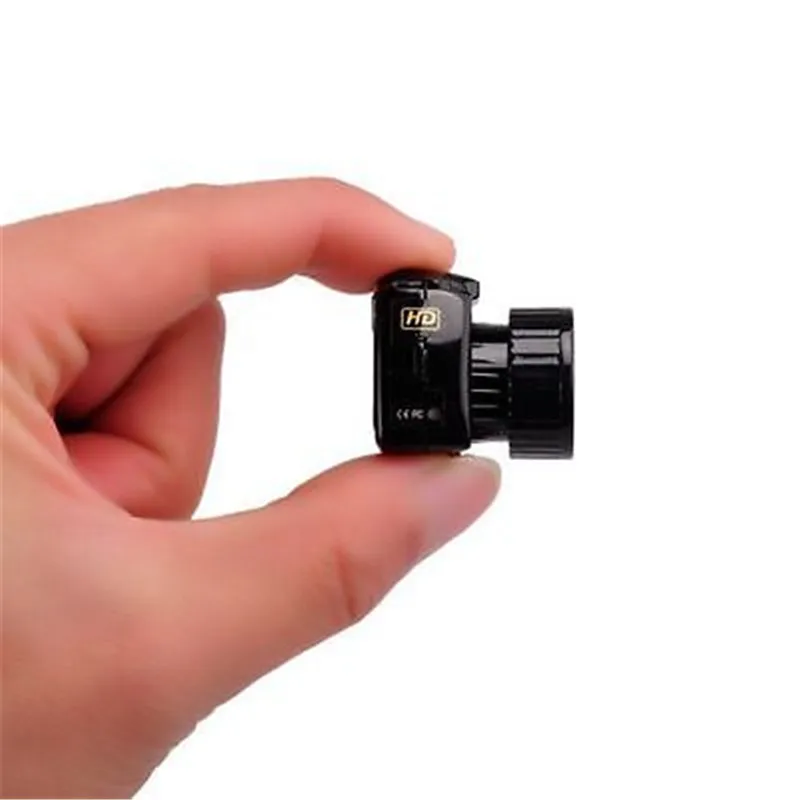
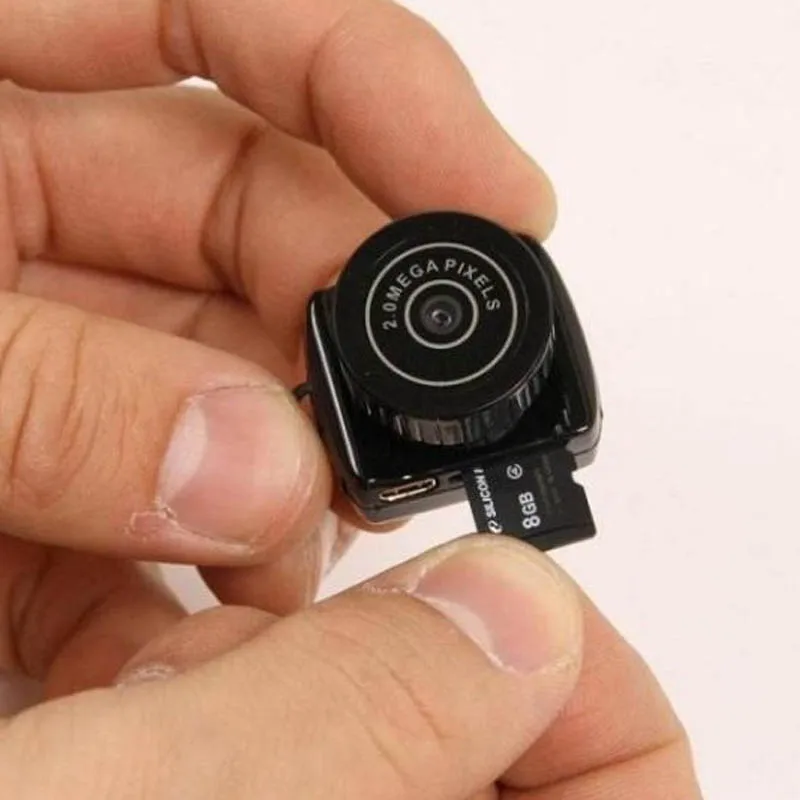
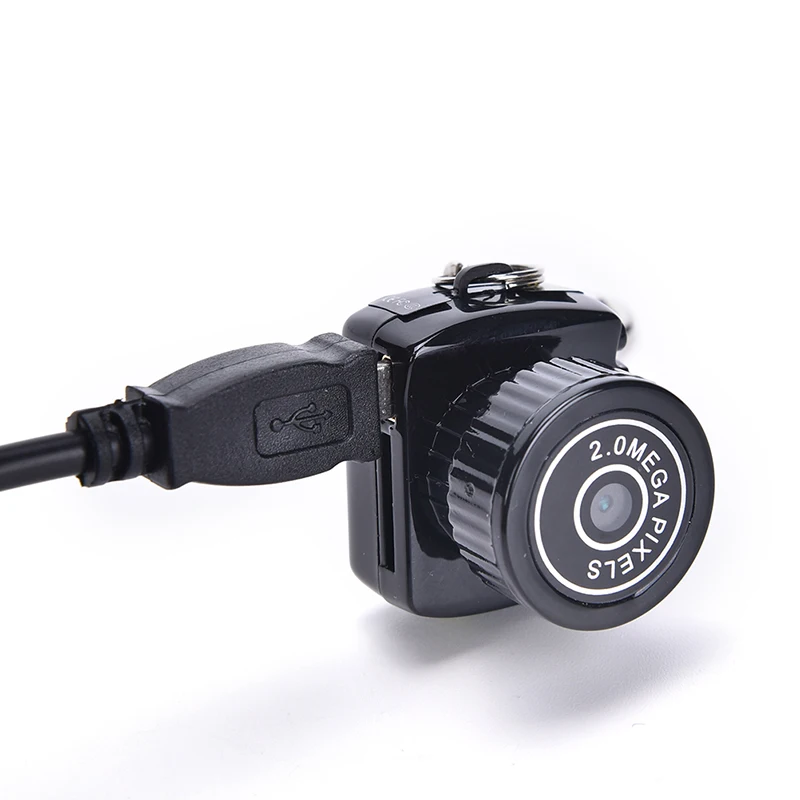
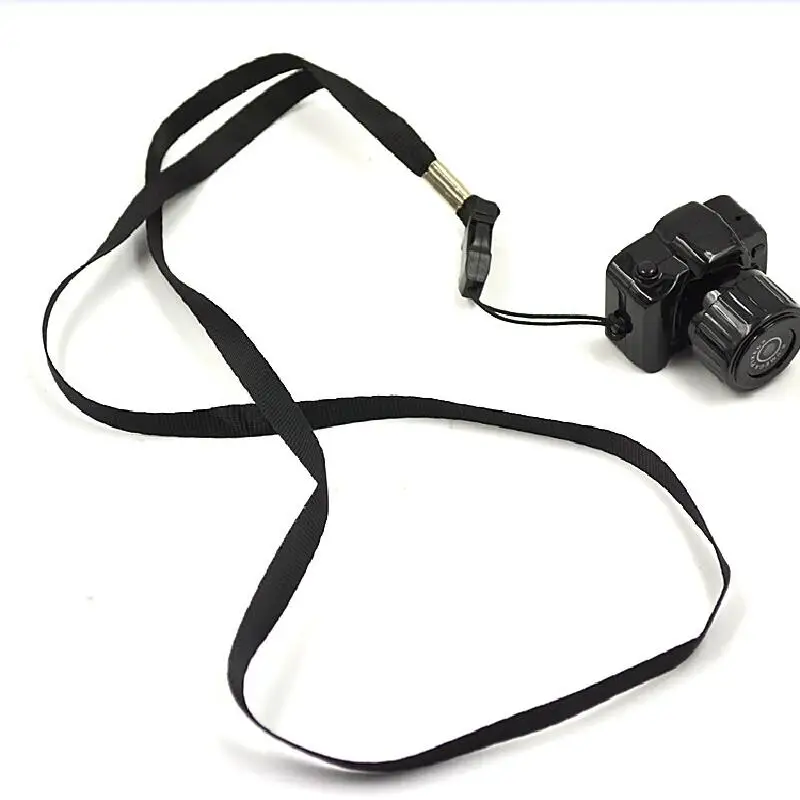
Видеорегистратор Mini Wireless Camera Video Recorder Видеокамера Маленький Безопасность
История изменения цены
*Текущая стоимость 787,93 уже могла изменится. Что бы узнать актуальную цену и проверить наличие товара, нажмите "Добавить в корзину"
| Месяц |
Минимальная цена |
Макс. стоимость |
Цена |
| Mar-06-2026 |
999.36 руб. |
1019.81 руб. |
1009 руб. |
| Feb-06-2026 |
811.73 руб. |
827.59 руб. |
819 руб. |
| Jan-06-2026 |
984.90 руб. |
1004.48 руб. |
994 руб. |
| Dec-06-2025 |
976.76 руб. |
996.45 руб. |
986 руб. |
| Nov-06-2025 |
779.62 руб. |
795.35 руб. |
787 руб. |
| Oct-06-2025 |
960.82 руб. |
979.29 руб. |
969.5 руб. |
| Sep-06-2025 |
952.33 руб. |
971.7 руб. |
961.5 руб. |
| Aug-06-2025 |
944.5 руб. |
963.13 руб. |
953.5 руб. |
Описание товара
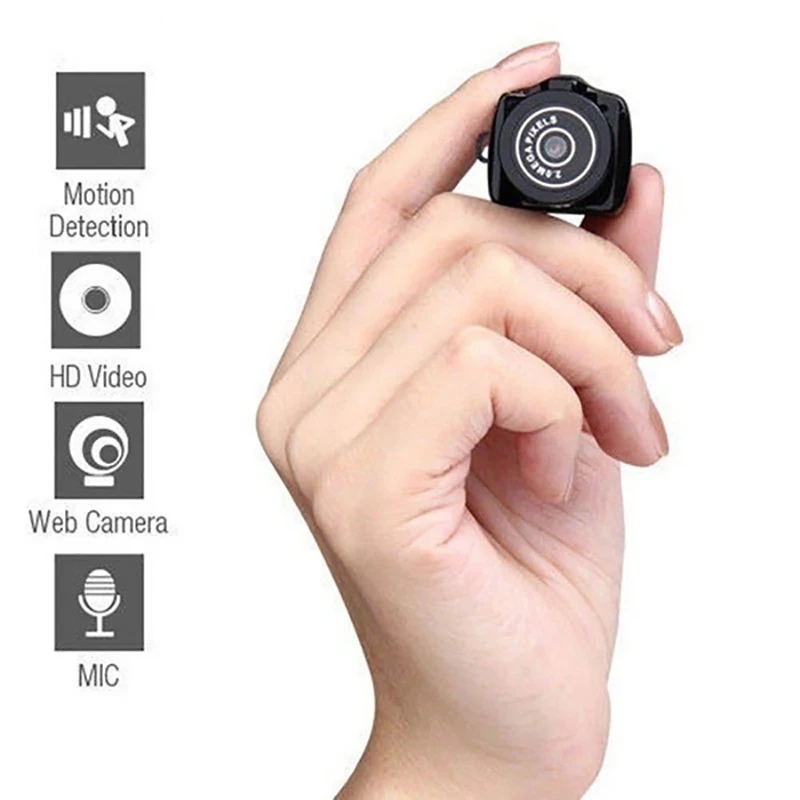
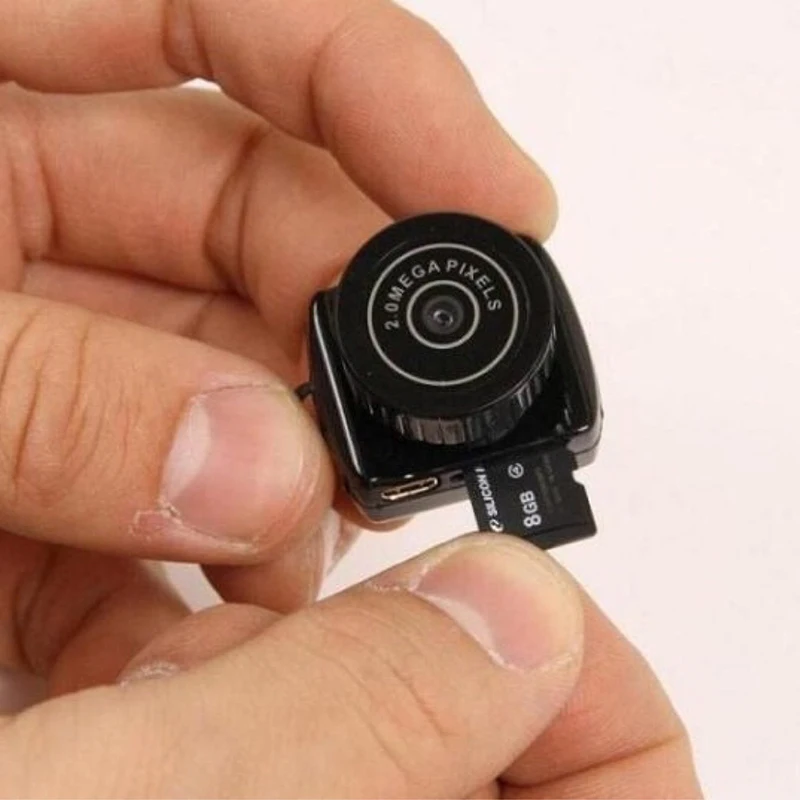
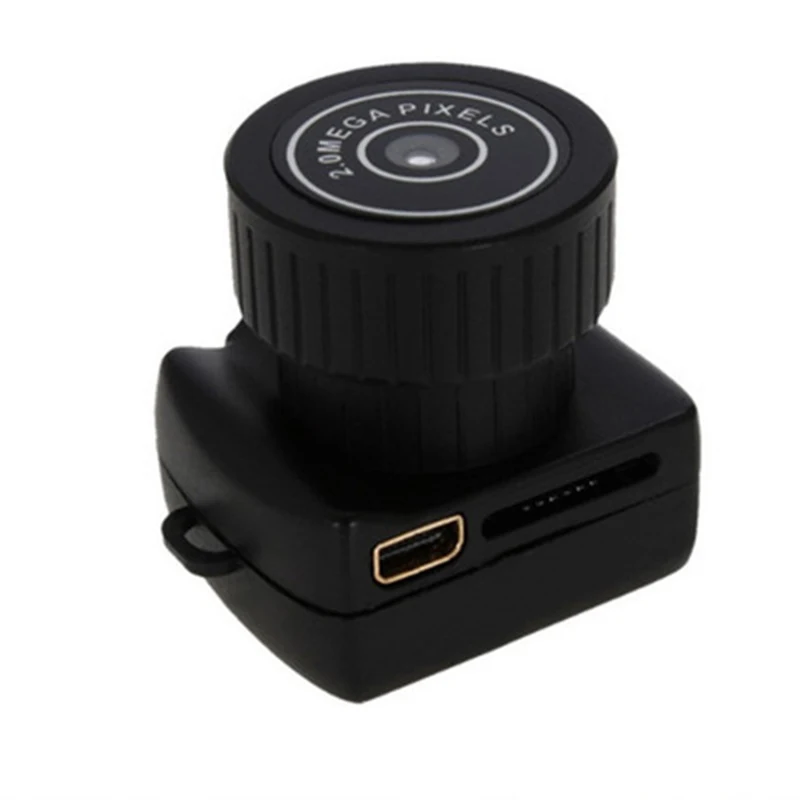
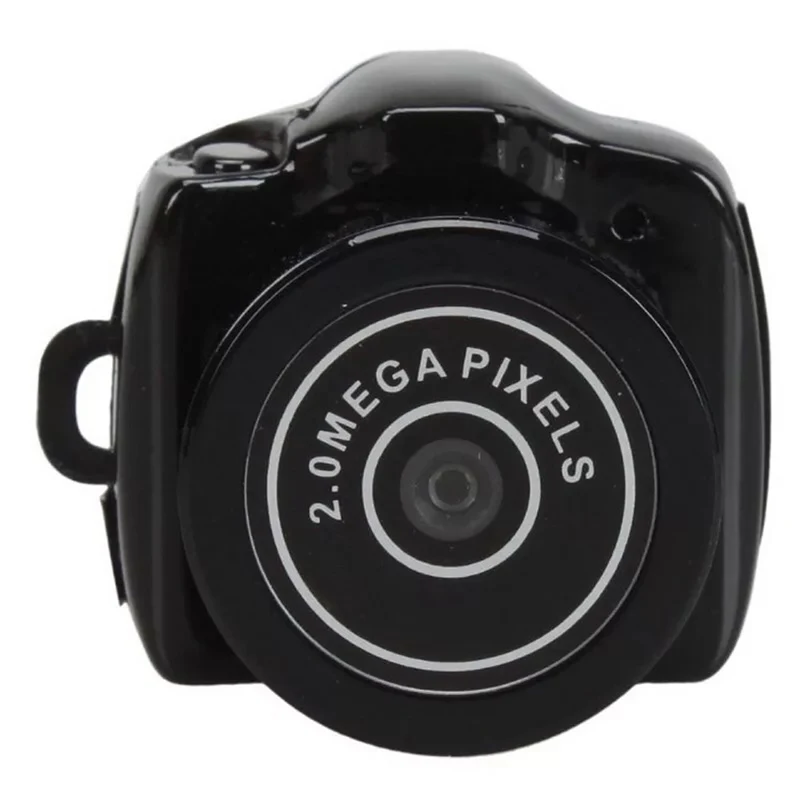
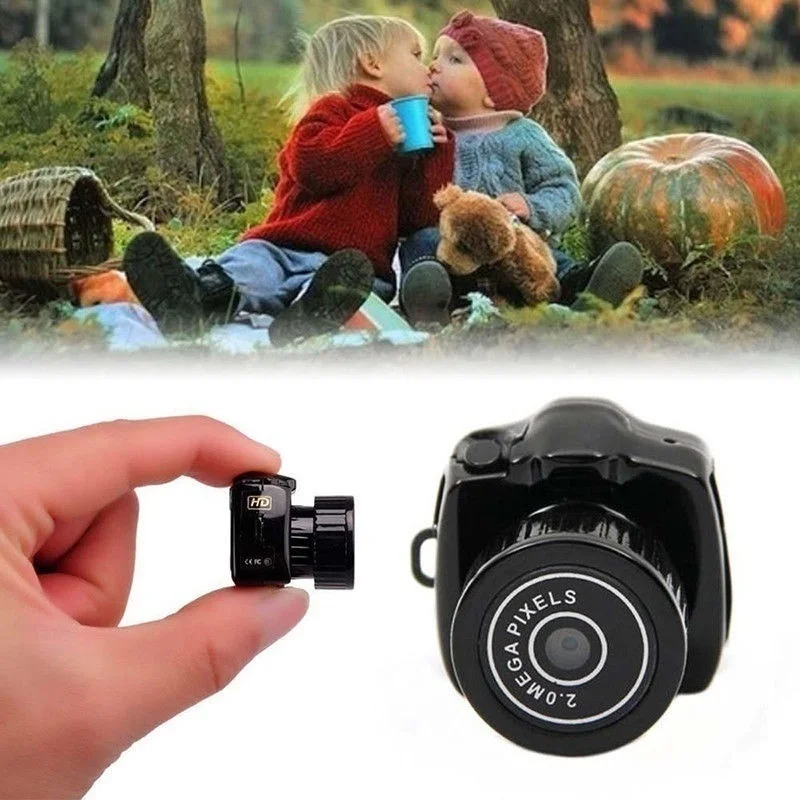
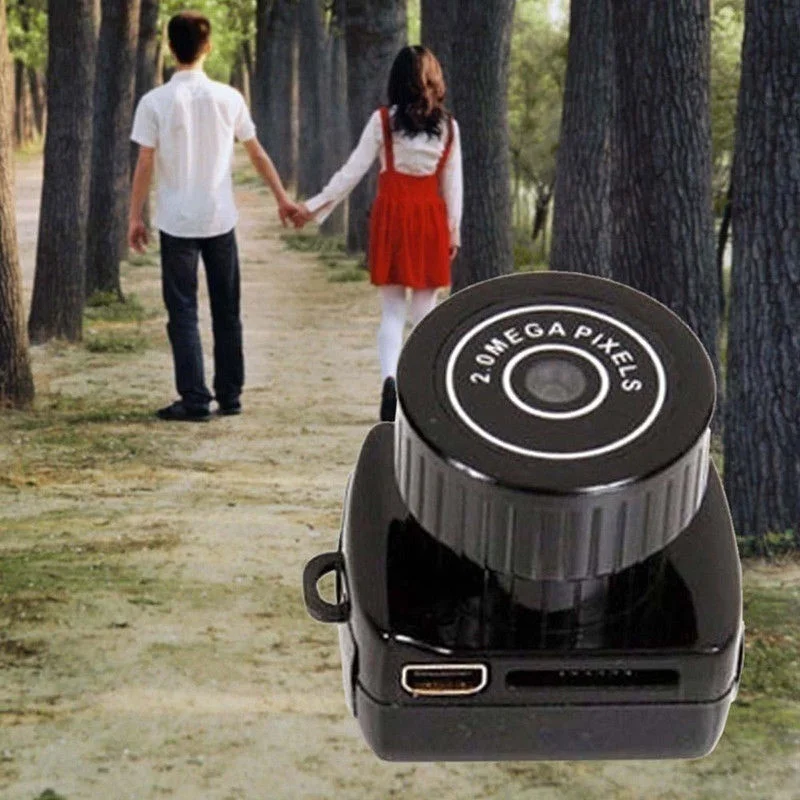
The Smallest Camera in the World Finger Size Micro Camcorder with Mic Video Voice Recorder
Features:
Imported Camera lens
Photography,video recording,all functions in one-touch
Video resolution:640*480@30fps,power supporting 50 minutes' recording,producing a videos with 1.5G memory
Pictures resolution:1280*720,JPG Mode
Attach Webcam,TF/Micro SD card reader functions
Support system:Windows/Mac/Linux
Support record during charging
Specifications:
CPU:A9-CORETEX kernel
Video decoding:H.263 accelerate
Video Farmat:AVI
Video Code:MJPEG
Video Resolution:640*480
Frame rate:30FPS
Software:Operating system or the mainstream audio and video playback software
Picture Mode:JPG
Picture Resolution:1280*720
System:Windows/Mac/Linux
Recharge Voltage:DC-5V
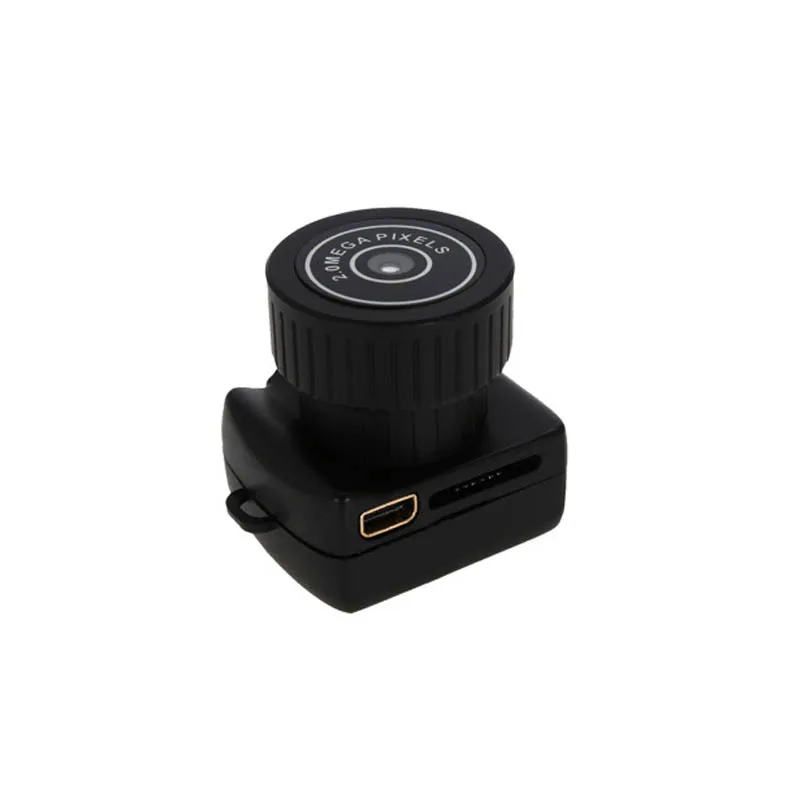
Data Transfer Interface:Mini 8 Pin USB
Memory Card:TF,MicroSD,Up to 32GB
Battery:High capacity 230mAh lithium polymer battery
NOTE:
This camera does not support wifi connection. It is used by a card. You need to use a USB cable to connect to a computer to view recorded video. If you need a camera with wifi connection, you can look at other products in this shop. This product does not include a memory card.
Thank you for understanding.
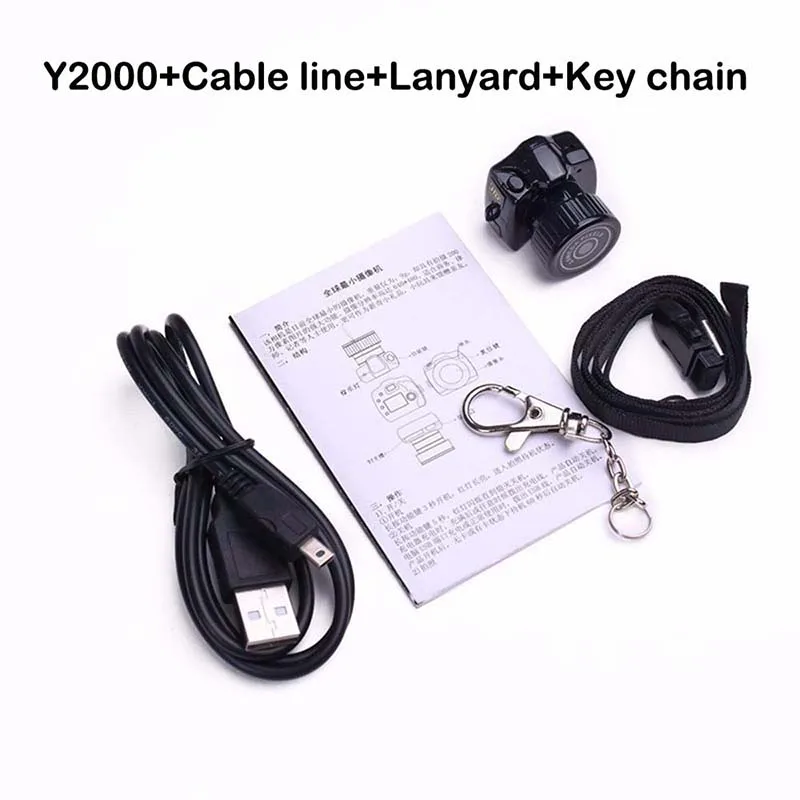
Package Including:
1 x Y2000 camera
1 X USB cable
1 X Belt
1 X Keychain(Don't give away the key chain now)
1 X User manual
![HTB1wvkKcCtYBeNjSspaq6yOOFXaA]()
![HTB1gRzfcuySBuNjy1zdq6xPxFXa7]()
![HTB1YkUFa41YBuNjy1zcq6zNcXXaC]()
![HTB17dwza29TBuNjy0Fcq6zeiFXaK]()
![]()
![Apleok-Y2000-HD-Smallest-Mini-Camera-Digital-Photography-Video-Audio-Recorder-DVR-DV-Camcorder-Portable-Web (4)]()
![Apleok-Y2000-HD-Smallest-Mini-Camera-Digital-Photography-Video-Audio-Recorder-DVR-DV-Camcorder-Portable-Web (1)]()
![HTB1d1AJa25TBuNjSspmq6yDRVXao]()
![Tiny-Mini-Camera-HD-Video-Audio-Recorder-Webcam-Y2000-Camcorder-Small-DV-DVR-Security-Secret-Nanny]()
![]()
![HTB1XegBQpXXXXbJXpXXq6xXFXXXD]()
![HTB1lBsYaiOYBuNjSsD4q6zSkFXah]()
![HTB1dEvgcv5TBuNjSspmq6yDRVXal]()
Operating
1) on/off
1 boot
Press and hold the operation key for two seconds to turn on the device. The red light will turn on and enter the standby state.
2 shutdown
Press and hold the operation key for four seconds and the red light goes off.
2) Take a photo
1 In standby mode (if not in standby mode, it can be turned on or short-pressed to enter standby mode)
2The lens is aimed at the target you want to shoot.
3 Press the operation button fully, the red light flashes once, take a photo
3) Videography
1 In standby mode (if not in standby mode, it can be turned on or short-pressed to enter standby mode).
2 Press and hold the operation button for two seconds, then release the button, the red light starts flashing, and the machine starts shooting.
3 If you stop taking pictures, press the operation button and release it.
4) Low power
If the device detects that it is in a low-power state, the device will save the current file, and the red light will flash off five times.
5) Charging
1 Turn off the camera.
2 Connect the camera and PC or other device via a USB cable.
3 During the charging process, the red light flashes; when it is full, the red light is on.
6) Removable disk
1 Connect the camera to the computer in the off state or in the standby state.
2 The removable disk ID appears in My Computer.
7) Reset
1 If the device does not respond due to incorrect operation or other unexplained reasons, it needs to be reset.
2 Press the reset hole with a long, thin tool.
8) Change time
1 Change the computer's system time for the time you need to display on the camera.
2 Turn off the camera.
3 Put the CD with the CD in your computer's CD-ROM drive.
4 Connect the computer and camera with the original data cable from the camera
5 Run the time change tool in the CD.
6 Normally disconnect it.
9) Webcam
1 Install the camera's own driver.
2 The camera is off.
3 Connect the camera and computer.
4 The logo of the webcam is automatically displayed in My Computer.
10) Frequently asked questions
1 Question: After the red light flashes five times, what causes the camera to shut down?
A: Check if the memory is full or the battery is in a low-power state.
If the memory is full, delete or back up the files in the memory or insert another memory card.
If it is in a low power state, charge it.
2 Problem: No response
Answer: The device can not work due to incorrect operation or unknown reasons. Need to reset the device.
Press the reset hole with a thin and thin tool.
Смотрите так же другие товары: