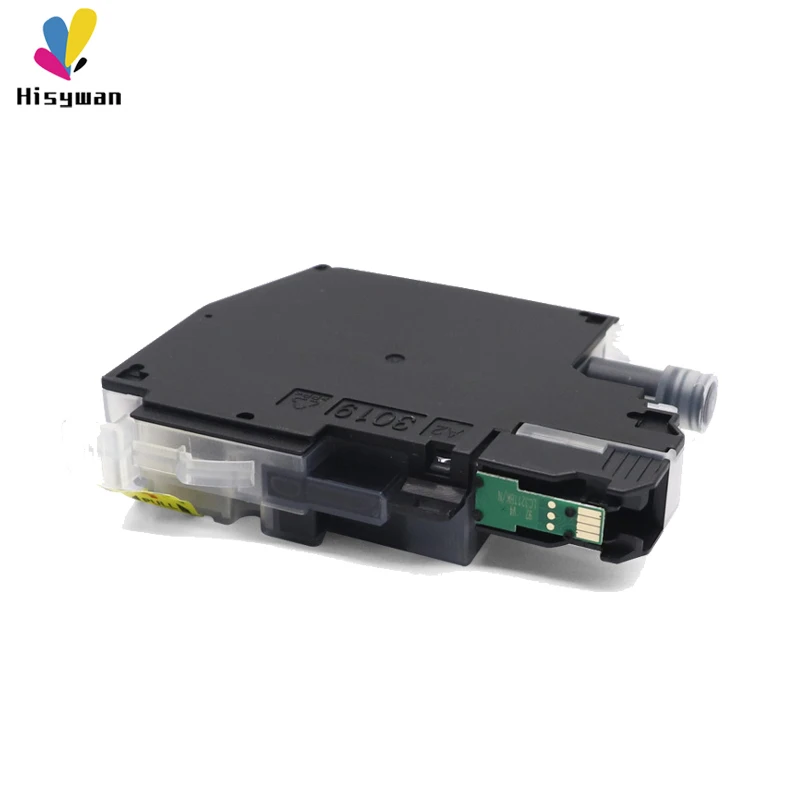
Для Brother LC221 LC223 многоразовый чернильный картридж для DCP-J562DW/ MFC-J480DW/ MFC-J680DW/ MFC-J880DW с
1 758,15 руб.


Новое поступление

Магазина HISYWAN Store работает с 02.10.2019. его рейтинг составлет 93.9 баллов из 100. В избранное добавили 1036 покупателя. Средний рейтинг торваров продавца 4.7 в продаже представленно 190 наименований товаров, успешно доставлено 1968 заказов. 705 покупателей оставили отзывы о продавце.
Характеристики
*Текущая стоимость US $51.14 - 65.58 уже могла изменится. Что бы узнать актуальную цену и проверить наличие товара, нажмите "Добавить в корзину"
| Месяц | Минимальная цена | Макс. стоимость | Цена |
|---|---|---|---|
| Mar-02-2026 | 65.23 руб. | 66.79 руб. | 65.5 руб. |
| Feb-02-2026 | 53.80 руб. | 54.12 руб. | 53.5 руб. |
| Jan-02-2026 | 64.1 руб. | 65.27 руб. | 64.5 руб. |
| Dec-02-2025 | 63.83 руб. | 64.64 руб. | 63.5 руб. |
| Nov-02-2025 | 50.20 руб. | 51.76 руб. | 50.5 руб. |
| Oct-02-2025 | 62.82 руб. | 63.42 руб. | 62.5 руб. |
| Sep-02-2025 | 62.65 руб. | 63.61 руб. | 62.5 руб. |
| Aug-02-2025 | 61.16 руб. | 62.51 руб. | 61.5 руб. |
Описание товара
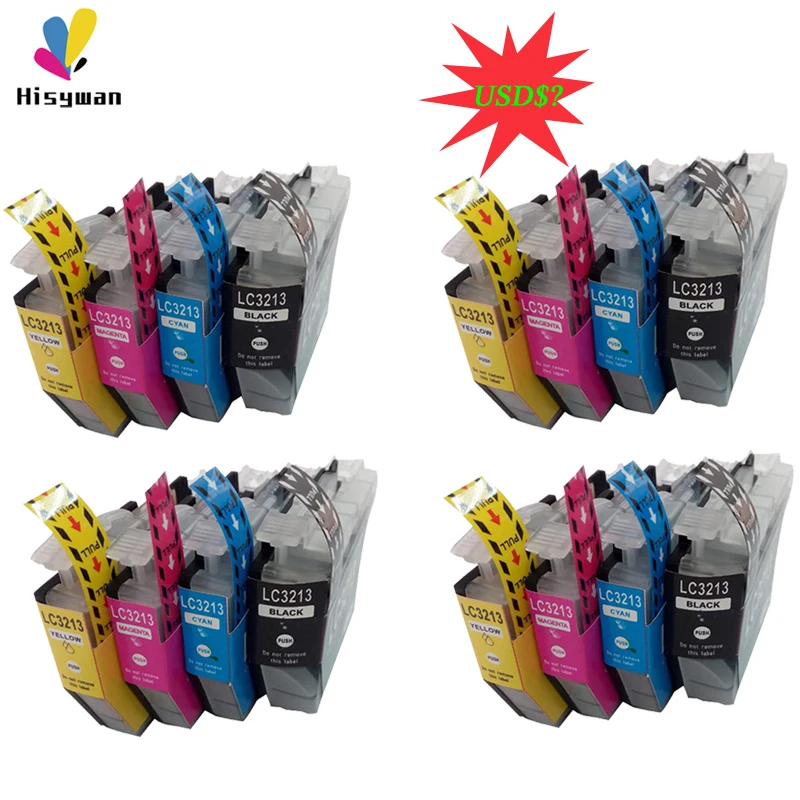
16 Pieces per lot, special promotion sale ONLY till the end March, buy it immediately to save your cost!
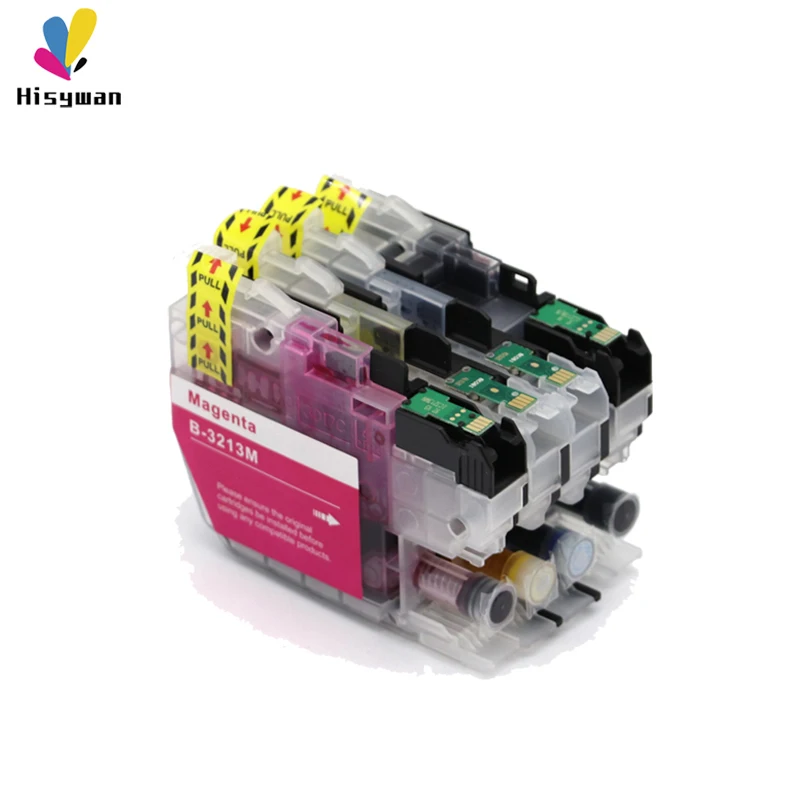
1, --Model: LC3213 ,LC3211 --Color: Black,Cyan/Megenta/Yellow --Ink Volumn: Black15ml, CMY 12ml --With Chip: Yes --Type: New Compatible --Warranty: 18 months 2, These items are compatible for below printers: For Brother MFC-J890DW MFC-J895DW DCP-J7720DW DCP-J7740DW 3,Important note,please make sure you are buying the same ink cartridge model with your original one (Used original ink cartridge), do not just look the printer model name, because different area, the same printer name have different ink cartridge name, if not sure,you can contact us if have any other doubt or help.Thank you.
Instruction
(1) Ink cartridge storage --Keeping the ink cartridges in normal temperature environment, kindly avoid high temperature and strong light.The best storage temperature is -676 to +1350( Fahrenheit,). --Before installing and using, please do not tear off the package and ink cartridge protect clip & tape. --After tear off the ink cartridges, pelase install them into the printer asap,otherwise will cause the ink leaking or blocked. --It’s better to use up the ink cartridges within 6 months. (2) Change ink cartridge --When the ink indicator light up,it means the ink was used up, it need to change new ink cartridges. --While repalced, normally pls do not take out them and re-install, otherwise will may let the air flow into the nozzle and affect printing result. --Normally after install, pls turn on the printer and printing in one week, otherwise may cause the ink solidified at the front of nozzle. --If long time the printer didn’t printing,please set the nozzle clean and when tested well then can print again. (3) Install ink cartridge --Please take off the clip and tape,then install them into the printer, after kindly press the printer clean button untill refilled ink. --While installed new ink cartridge, must do one time nozzle testing ,if the image breakge or one color didn’t display, please test the nozzle again untill to normal printing. --Please make sure all ink cartridge colors installed well, and all the ink cartridges have enough ink. --Do not take out the ink cartridges while printing. --Do not open the ink cartridge protect cover (4) Printhead clean & self-inspection --First method that through the computer, in the printer sofetware application toolbar,can choose the nozzle clean & printhead self inspection. --Second method, can press the clean button on the printer 3 seconds and can clean the printhead. For self-inspection,can turn off the printer, and press the l formfeed and at the meantime press the power button 3 seconds.Kindly note the first method is better. --Every time replace new ink cartridges, it need clean the printhead two or three times. --When clean printhead one time, please do nozzle inspection one time.
Смотрите так же другие товары: